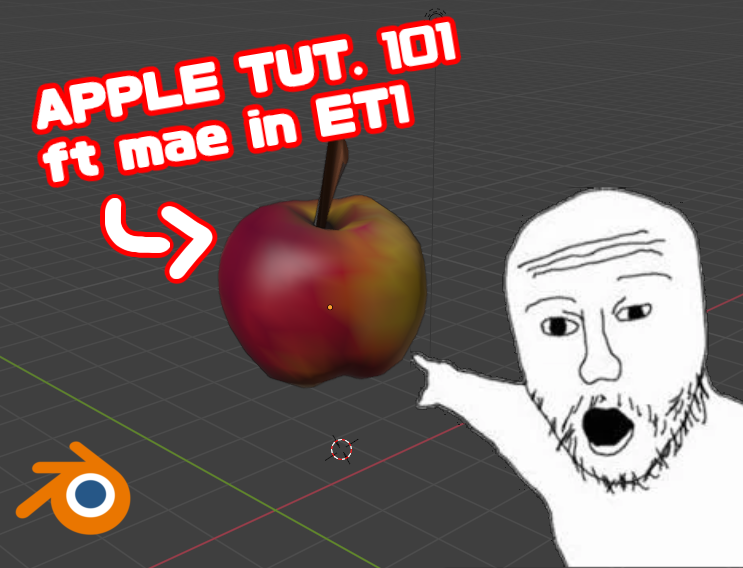
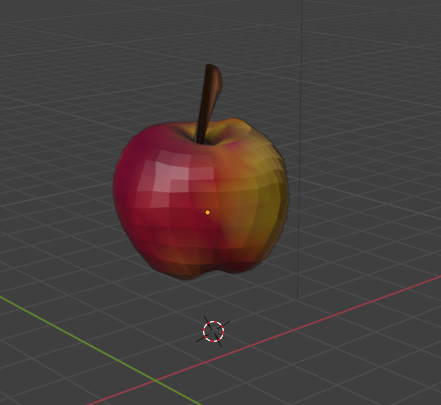
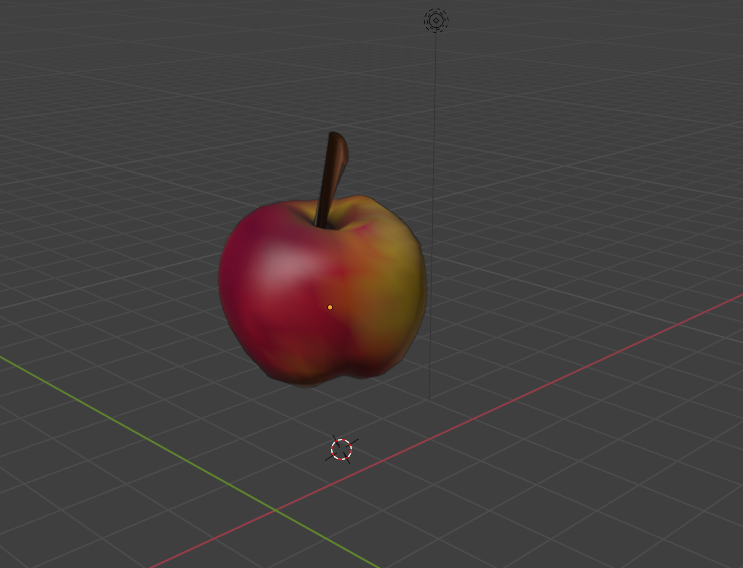
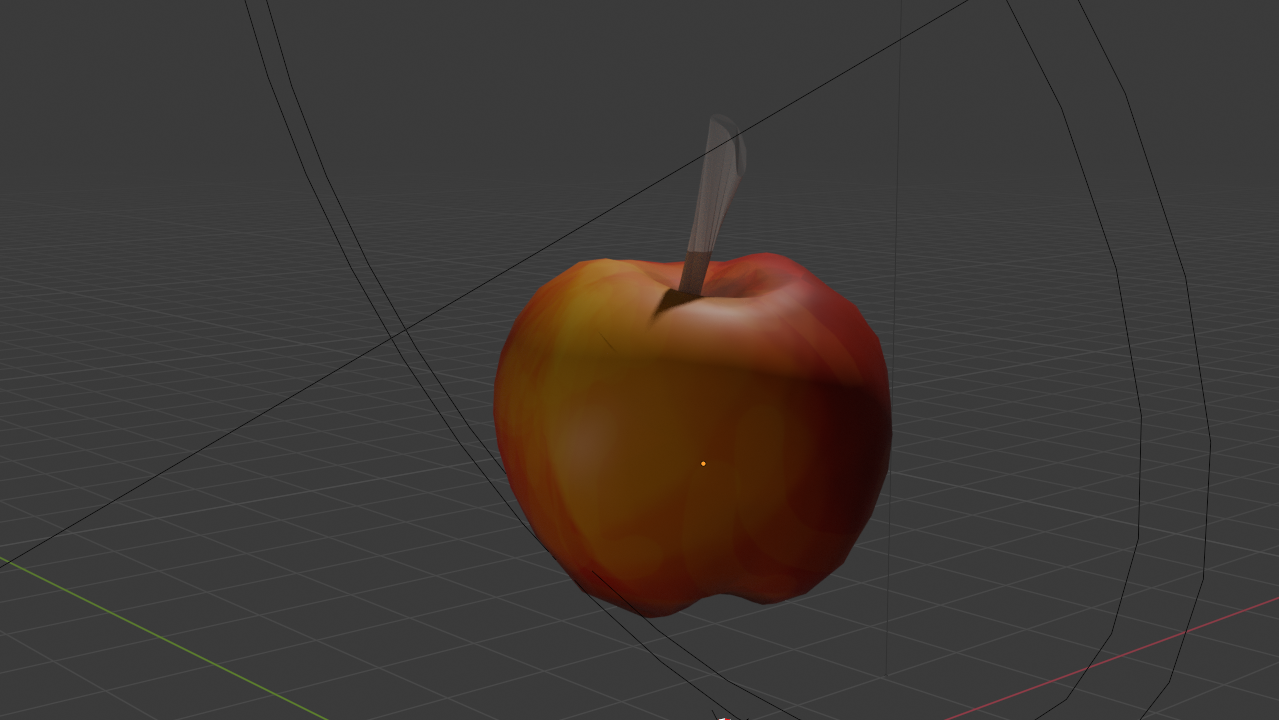
I made a painted, sculpted apple in Blender to practice my sculpting and texturing skills. This project helped me learn
how to shape organic forms, add realistic details, and apply color and texture to make the model look more natural. It
was a simple but effective way to understand how sculpting and painting work together in 3D modeling.
●・○・●・○・●●・○・●・○・●
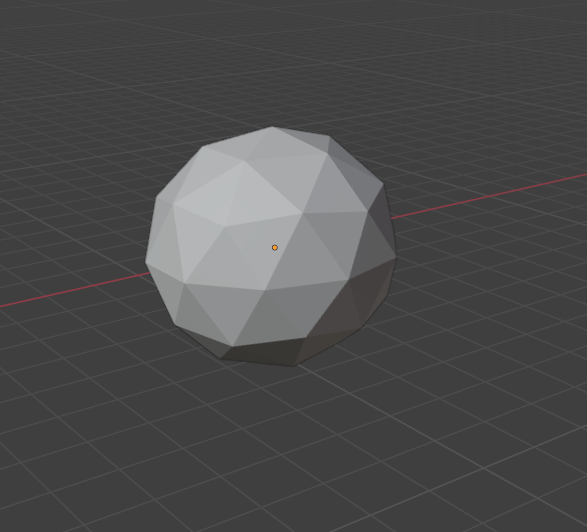
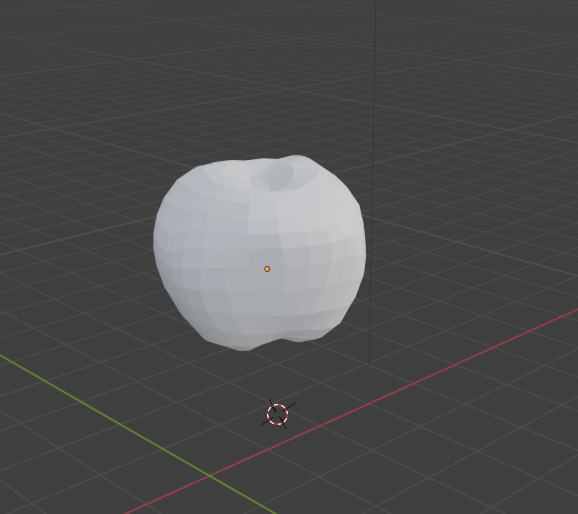
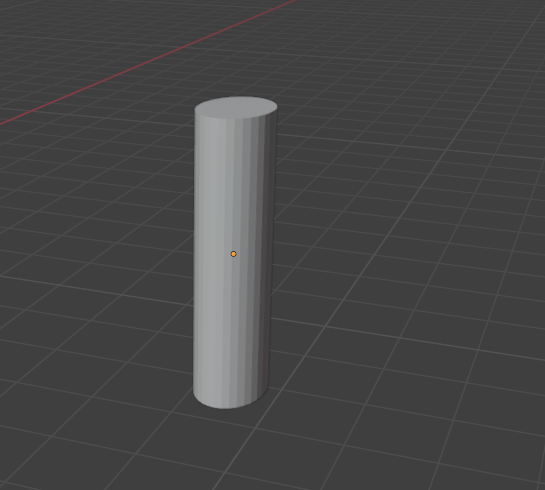
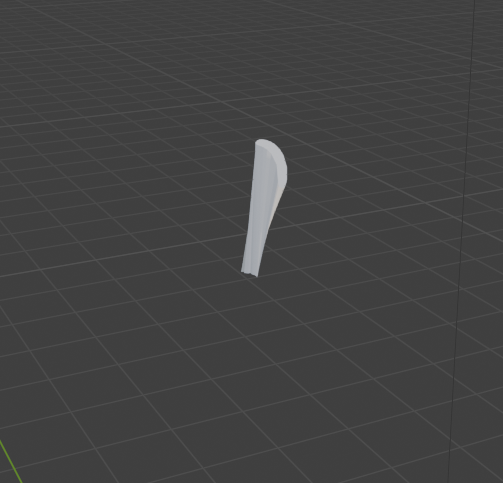
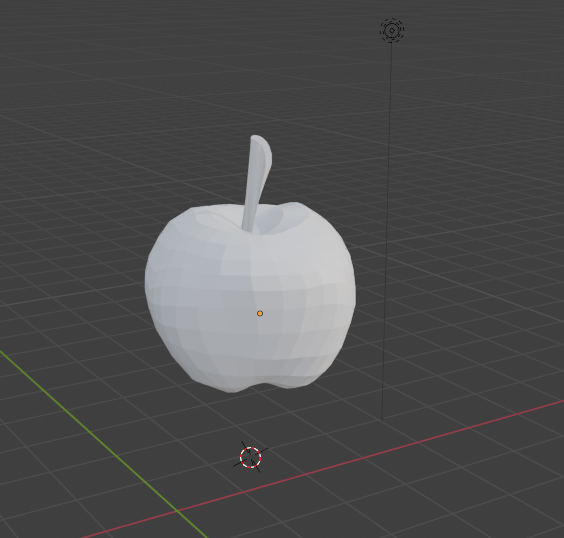
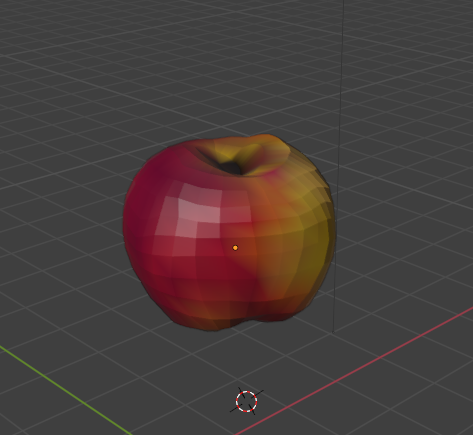
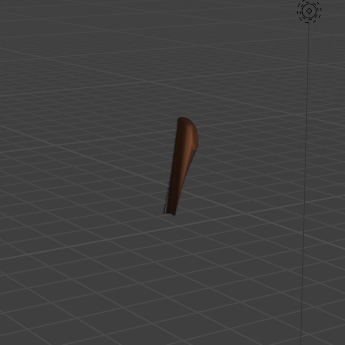
(non-clickbait!!!!!!!!)First I started off with a sphere. Simple as it sounds, down below it's where the fun begins.With the scultping tab on the menu bar, I took about around an hour turning the sphere into a desired generic apple shape (consisted of the clay brush,ellastic pull and flatten/contrast). Not all apples are perfect so I didnt sweat it.Set the apple to the side, now with the stem. The shape I went for was the startup cylinder. (PS: on the apple at the top make a slope downwards and back up to make that hole for the stem!)With the grab and clay thumb I was able to squish the cylinder and curve it towards the end by pulling it. Eventually it came to my liking and ressembled a stem.Once i was satisfied with the results, I brought the two pieces together.Second, (considerably a bonus!) I decided to paint the apple for a better view on it and to learn blender more. On the sculpting tab, I switched to the paint brush and spent half an hour painting the apple to my liking. (the yellow hue is to most apple types ex: "Macintosh/Empire" compared to "Red Delicious" which is completely red)The stem isnt much (same concept as painting the apple!) I mean its what holds the apple to the tree so a decent color for a twig would be brown .Once satisfied the final product is done! or is it?Lastly, I shade-smooth my design to give off that pure apple look with no polygonal features (right-click on model). And theres my apple!Rendered version!